 Español
 Français
 English GB
 Português PT
Shopping Cart
There are no more items in your cart


30,25 €
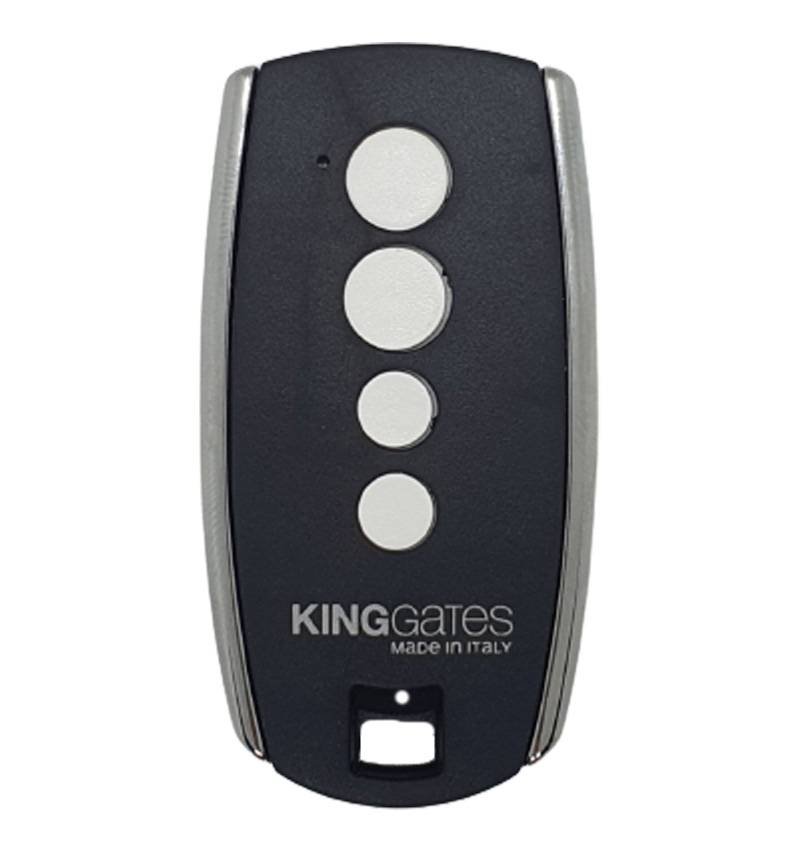
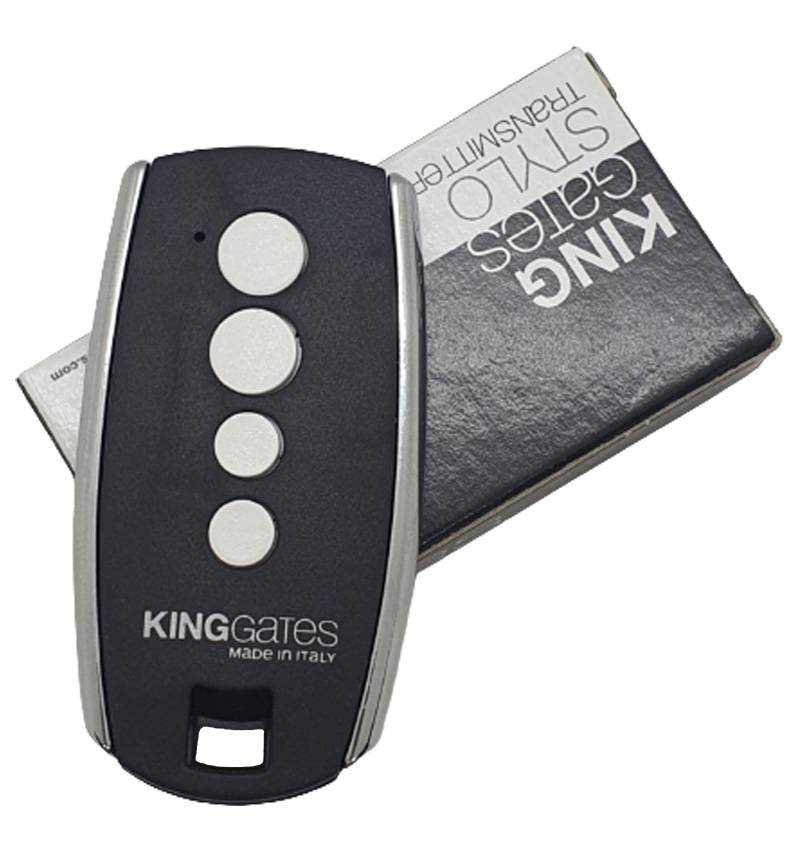
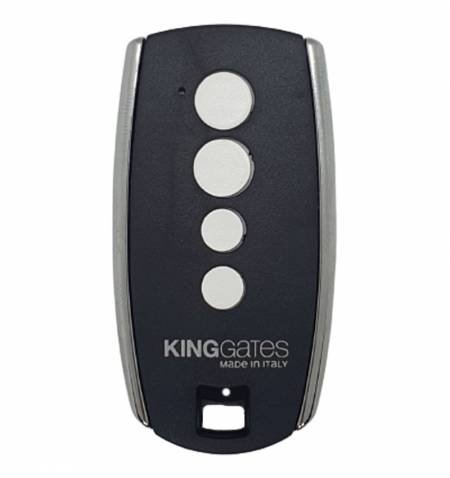
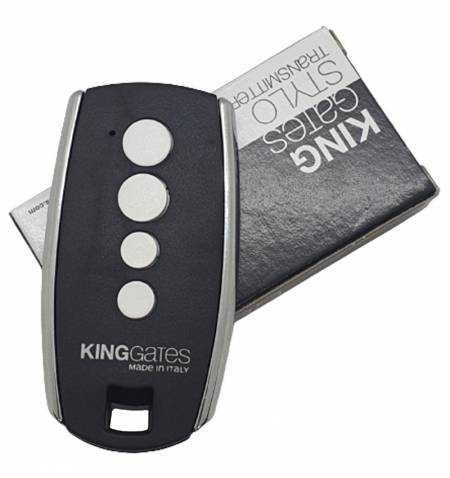
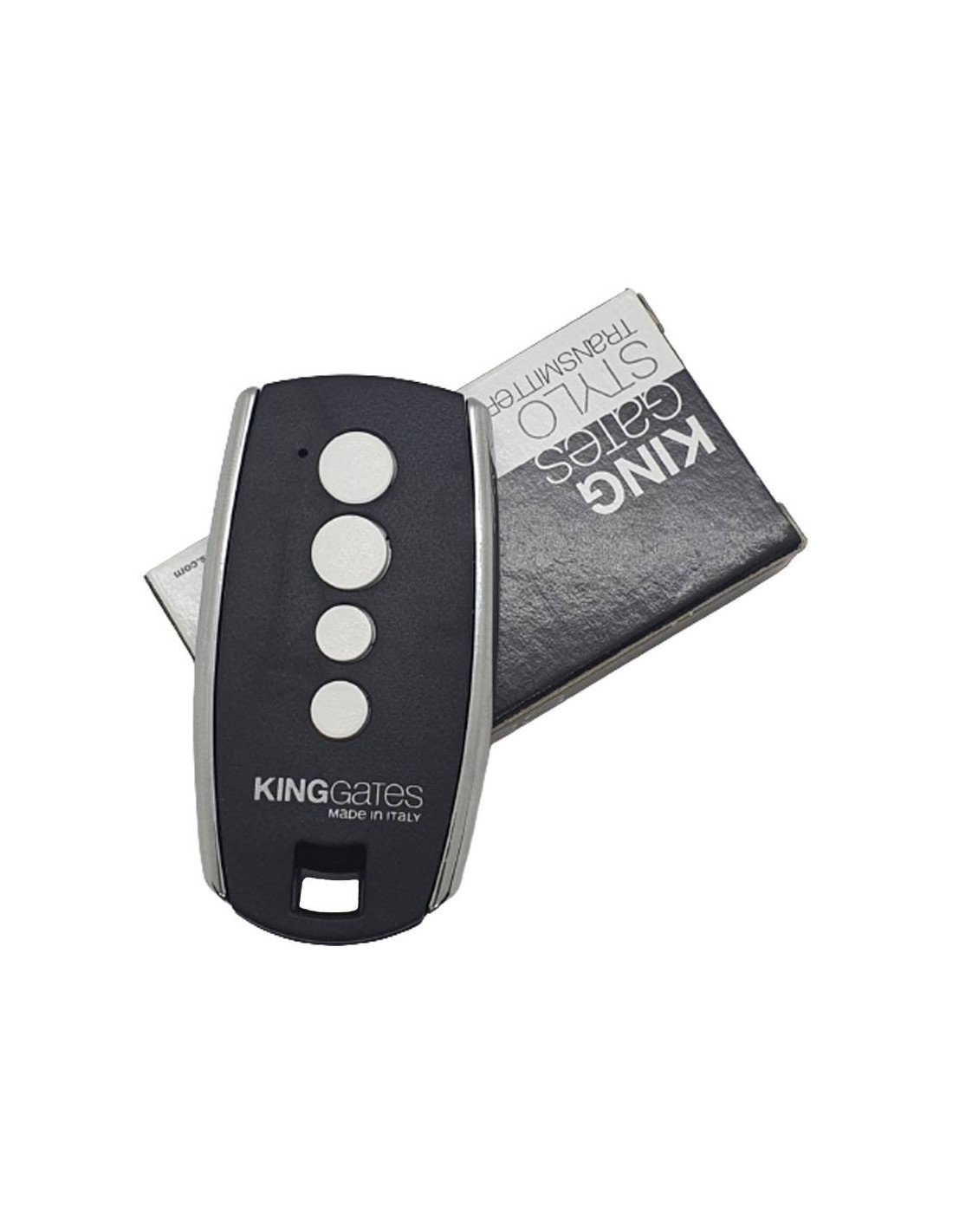
Kinggates Stylo4K It is an original remote control of 4 channels, Designed to control automatisms for garage doors, sliding doors, swing doors and other systems equipped with a compatible Kinggates receiver.
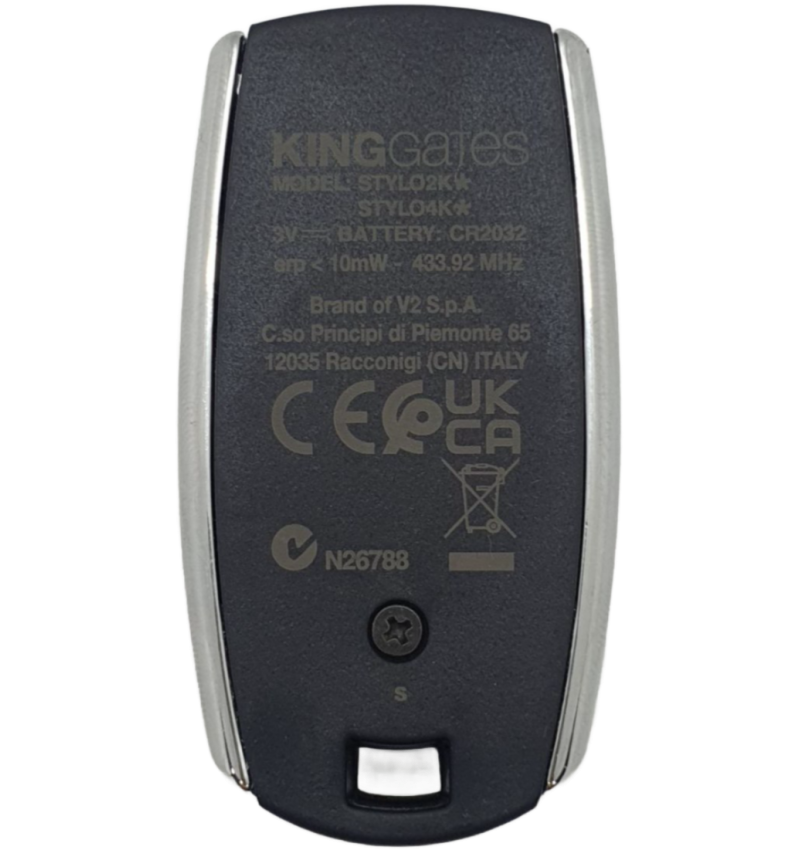
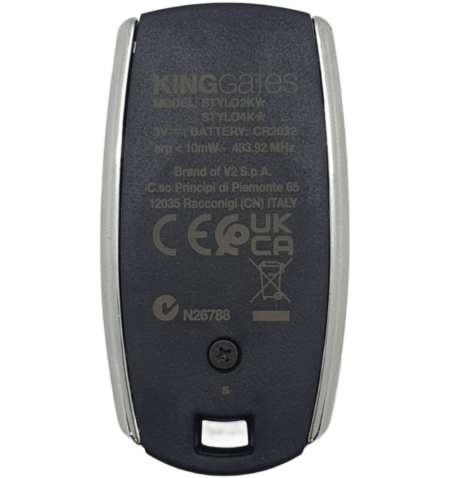
This transmitter works by means of a frequency of 433,92 MHz and use technology Rolling code. Each time one of its buttons is pressed, the control generates a different code, providing greater safety against the unauthorized copy or duplication of the signal.

We ship your order within 24/72 hours

Secure payment: Card, Bank transfer, Bizum

Fast shipping from Spain Except bulky
Kinggates Stylo4K It is an original remote control of 4 channels, Designed to control automatisms for garage doors, sliding doors, swing doors and other systems equipped with a compatible Kinggates receiver.
This transmitter works by means of a frequency of 433,92 MHz and use technology Rolling code. Each time one of its buttons is pressed, the control generates a different code, providing greater safety against the unauthorized copy or duplication of the signal.
Has Four independent buttons, which allow to control up to four automatisms or different functions, provided that the receiver and the electronic power station are compatible and are correctly configured.
Its structure of chromed metal It offers a high resistance, while its compact design allows you to transport it comfortably next to the keys or store it in the vehicle.
| Manufacturer | Kinggates |
| Model | Stylo4k |
| Reference | 10s001 |
| Frequency | 433,92 MHz |
| Code type | Rolling code |
| Number of buttons | 4 buttons |
| Number of channels | 4 channels |
| Scope | Up to 100 meters in open field |
| Feed | Stack CR2032 3 V |
| Consumption | 10 m |
| Dimensions | 70 × 38 × 10 mm |
Control Kinggates Stylo4K It is compatible with electronic centers and Kinggates receptors prepared to work with transmitters Stylo4K or Stylo2K Rolling Code of 433,92 MHz.
It can be used, depending on the central and the installed receiver, with Kinggates systems equipped with central as Starg8, Rolls or Elevo, as well as Kinggates receptors compatible with this range of transmitters.
Important: This product is the model Stylo4k and should not be confused with the old Stylo4. Although the two controls have similar appearance and frequency, they are not compatible with all the same electronic centrals.
Before making the purchase, we recommend that the denomination appears in the old control Stylo4k o Verify that the electronic plant admits this model.
The procedure may vary slightly depending on the electronic power plant or receiver installed. In many kinggates power plants equipped with buttons Set, Radio and Start, the discharge is done as follows:
To memorize another button or control a different function, you must follow the corresponding procedure indicated in the electronic power station.
In some Kinggates facilities it is possible to register the new Stylo4k Using another original command that is already working, without the need to open the control panel:
Attention: Remote programming may be deactivated or protected by the installer. It may also be not available in certain receptors or electronic power plants. In this case it will be necessary to perform the discharge directly from the receiver or request the intervention of the person responsible for the installation.
Product accessories