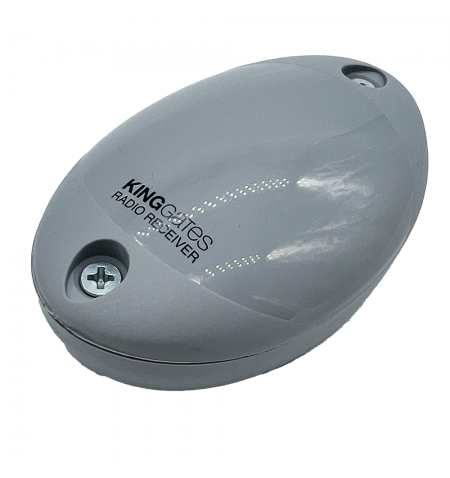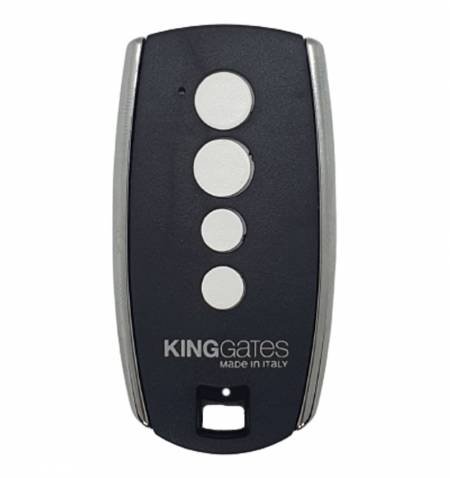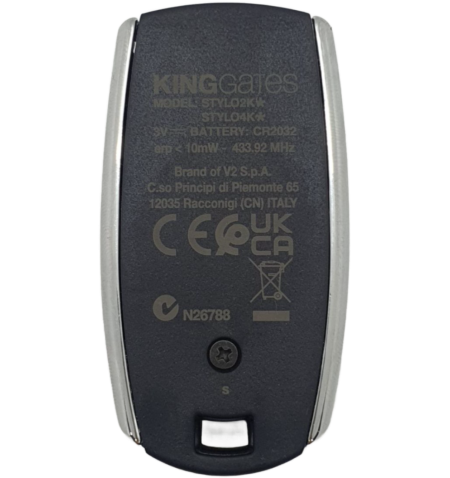
Outer receiver KINGGATES FRED 2 channels...
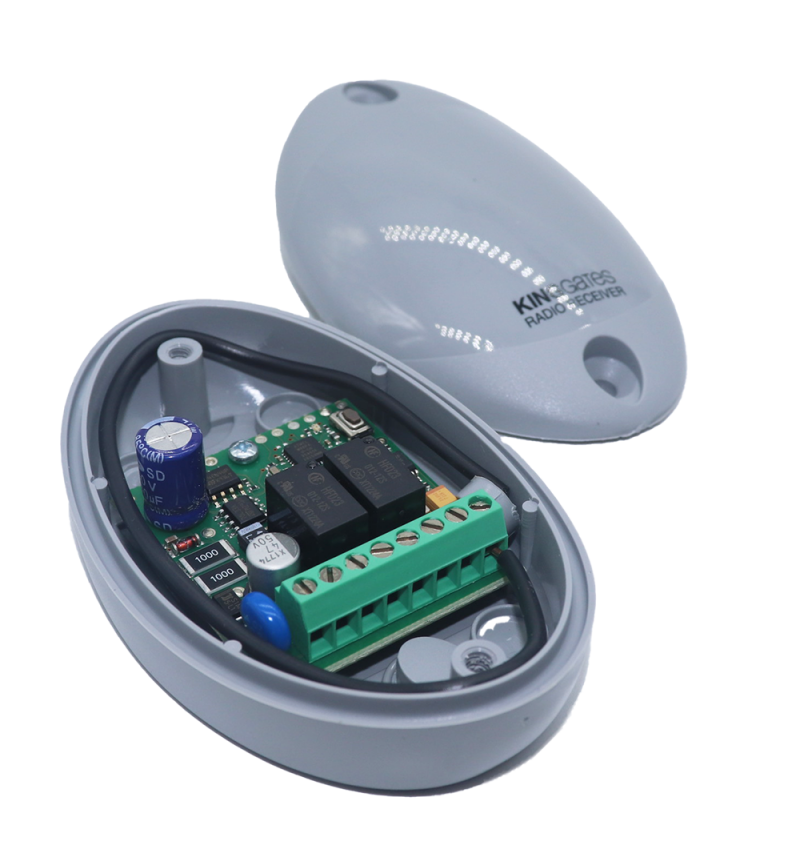
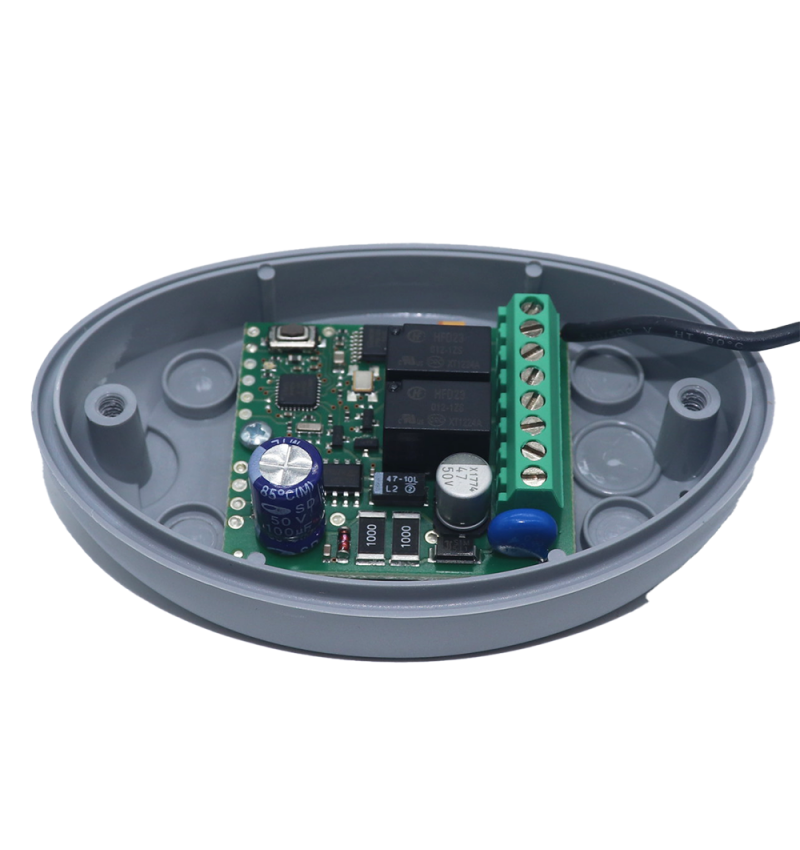
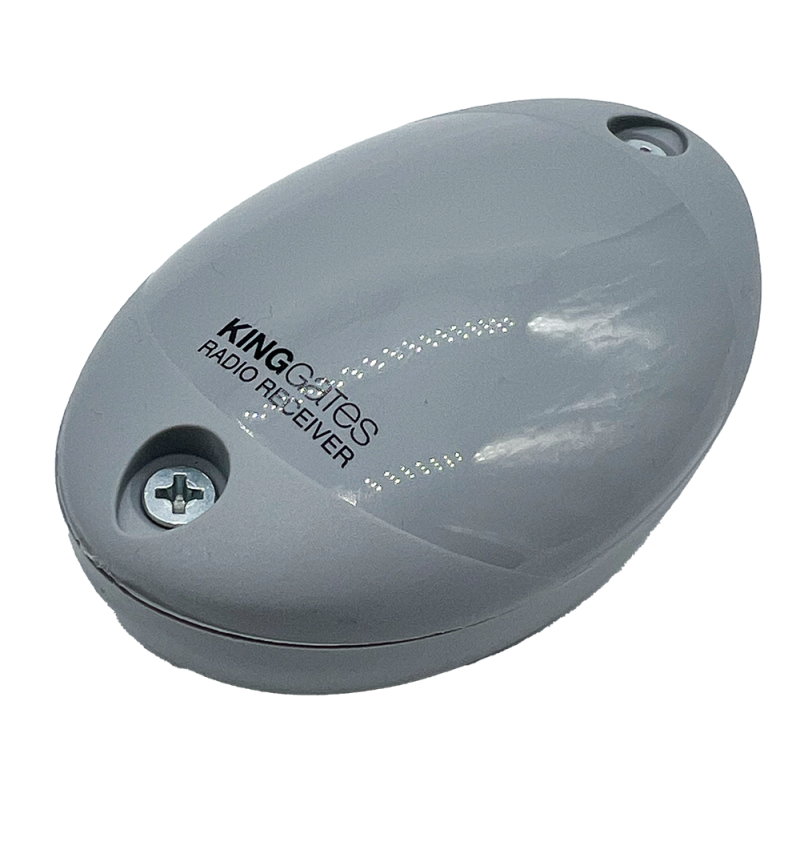
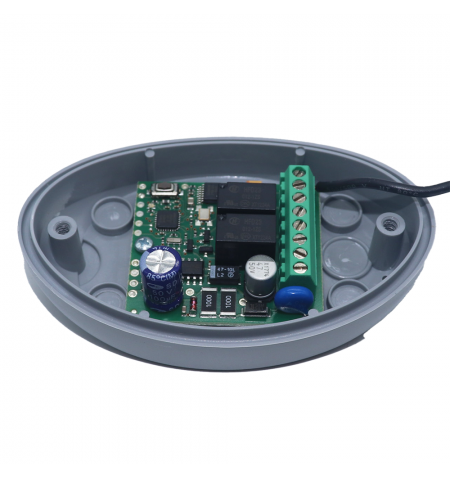
Outer receiver KINGGATES FRED 2 channels RollingCode is 433 MHz.

Outer receiver KINGGATES FRED 2 channels RollingCode is 433 MHz.

KINGGATES
FRED2
€58.00
VAT excluded

70,18 €

Tax incl.

Outer receiver KINGGATES FRED 2 channels RollingCode is 433 MHz.

" THE FRED MODEL 2 WE'VE GOT HIM OUT. _ FREDDY2 WITH THE CHARACTERISTICS"


We ship your order within 24/72 hours


Secure payment: Card, Bank transfer, Bizum


Fast shipping from Spain Except bulky


Outer receiver KINGGATES FRED 2 channels RollingCode is 433 MHz.

" THE FRED MODEL 2 WE'VE GOT HIM OUT. _ FREDDY2 WITH THE CHARACTERISTICS"

CHARACTERISTICS

  • Compact 2-channel receiver
  • Easy to install and program
  • Memory up to 480 codes
  • Frequency 433.92 MHz
  • Coding: rolling code
  • Body type: receiver in enclosure
  • Channels: 2
  • Range: < 40m

CONTAINED

  • Genuine King Gate 2 channel receiver
  • Antenna
  • Installation instructions

Programming the King Gate Stylo remote to the King Gate Fred receiver

Note: All operations (both transmitter programming and channel configuration) are performed via the button

  • Green LED: operations related to channel 1
  • Red LED: operations related to channel 2

Remote control programming to Channel 1

  • Press the button on the receiver once (LED turns green)
  • In 5 seconds, press the button on the remote control you want to activate your door (the LED turns off and on again)
  • Wait 5 seconds or press the receiver button to exit the learning mode (LED turns off)

Programming remote controls to Channel 2

  • Press the receiver button twice (the LED lights up red)
  • In 5 seconds, press the button on the remote control you want to activate your door (the LED turns off and on again)
  • Wait 5 seconds or press the receiver button to exit the learning mode (LED turns off)

Removal of a receiver remote control

  • Press the button on the receiver three times (the LED blinks orange)
  • Within 5 seconds, press the desired button on the transmitter you want to remove (the LED turns off and on again)
  • Wait 5 seconds or press the receiver button to exit the learning mode (LED turns off)

Removal of ALL receiver remote controls

  • press the button on the receiver three times (holding the button on the last press (the LED blinks orange)
  • During blinking, hold down the button on the receiver (the LED will switch from blinking to a fixed orange LED)
  • Release the button (the LED will turn off)

Product accessories

Product added to wishlist

This website uses proprietary and third-party cookies to improve our services and display advertising with our preferences through the analysis of our browsing habits. To give your consent when you press the Accept button.